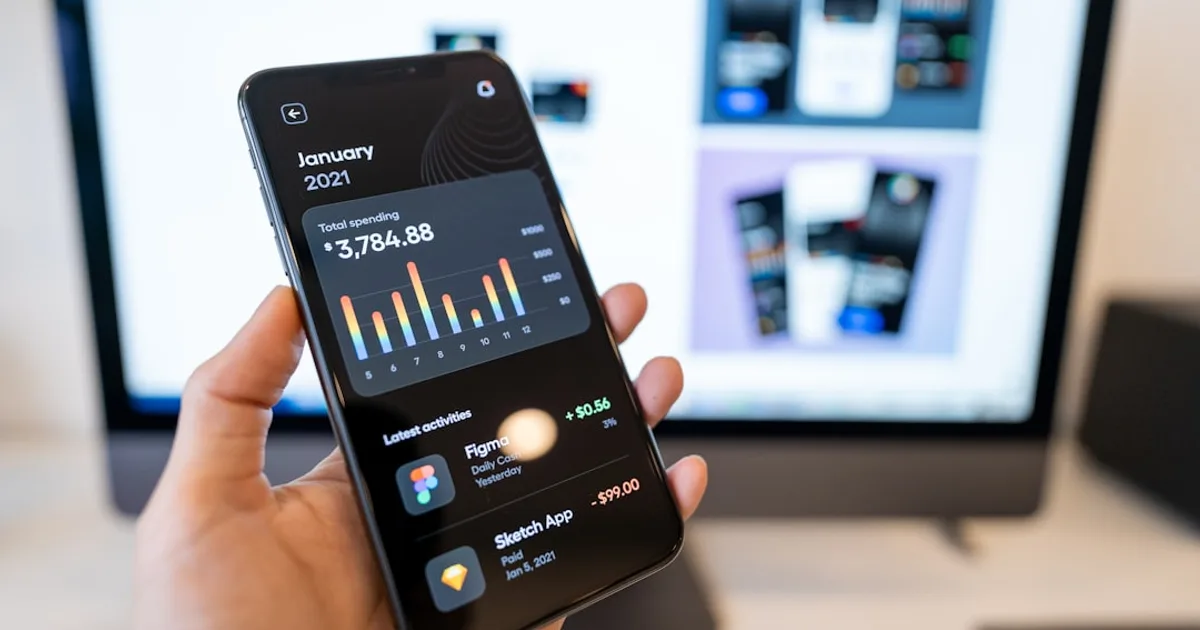
An energy app is only useful if it tells you something specific enough to act on. Most people who download one look at a chart for a week, find it mildly interesting, and stop opening it once the novelty wears off. The apps that actually change behaviour over the long term are the ones that surface a specific, actionable insight — this appliance is costing more than you think, this is when your usage spikes, this device was left running — rather than a general dashboard of numbers that don't lead anywhere.
Your supplier's app: the free starting point
Before buying anything, check what your existing energy supplier already offers. Most major suppliers now provide a free app showing usage by half-hour or hourly period if you have a smart meter, alongside estimated costs and, in some cases, comparison to similar households nearby.
The data quality varies by supplier, and the interface in some of these apps is genuinely poor. But the cost is zero, and for many households, simply seeing daily and weekly usage patterns for the first time is enough to identify obvious waste, such as a baseline usage that stays high overnight when nothing should reasonably be running — or heat leaking through poorly insulated windows. If you haven't checked what your supplier already provides, that's the first thing worth doing before any third-party purchase.
Hildebrand's Glowmarkt / Bright app: the most detailed free option in the UK
For UK households with a smart meter, Glowmarkt (via the Bright app) connects directly to your smart meter data and provides considerably more granular detail than most supplier apps — usage broken down by half hour, historical comparisons, and cost tracking that updates as tariffs change. It requires linking your smart meter through the national Data Communications Company, which takes a few minutes to set up but is free.
This is the option worth trying for anyone who wants genuinely detailed usage data without paying for additional hardware, since it works from the smart meter you likely already have rather than requiring a separate monitoring device.
Smart plug apps: the most actionable insight for individual appliances
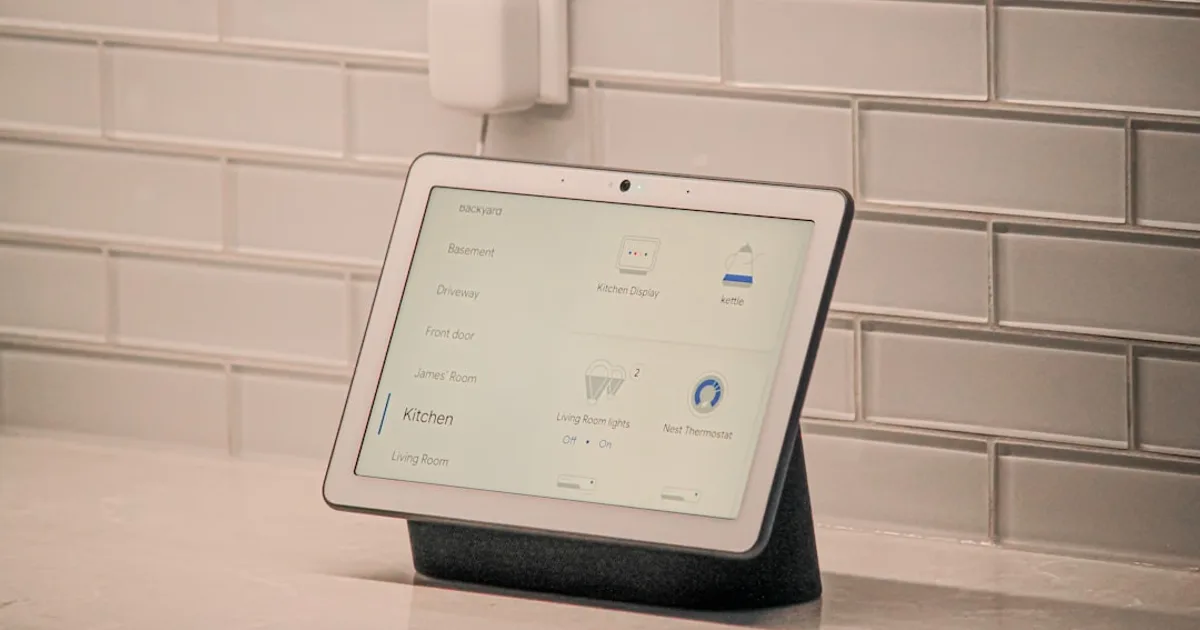
General household usage data is useful for spotting overall patterns, but it doesn't tell you which specific appliance is responsible for a given spike. Smart plugs with energy monitoring — TP-Link Tapo P110, Eve Energy, Meross — solve this by reporting the actual consumption of whatever's plugged into them, through their respective apps.
This is where the actionable insight tends to be sharpest. Plugging in a tumble dryer, an electric heater, or an old fridge for a week and watching the actual cost accumulate in the app is often the moment a household decides to change a specific habit or finally replace an inefficient appliance — our guide to choosing a refrigerator covers what efficiency actually means over a ten-year purchase — because the cost becomes a concrete number rather than an abstract concern.
The Tapo app (for TP-Link's plugs) is straightforward and free, showing daily, weekly, and monthly consumption per device along with an estimated cost based on your entered tariff rate. Eve Energy's app is similarly capable and integrates natively with Apple HomeKit for households already in that ecosystem, without needing a separate hub.
Whole-home monitors: for households that want the full picture
Smart plugs only show the device they're attached to. For a complete picture of where electricity goes across an entire house, a whole-home energy monitor — Emporia Vue, Sense, or similar — clips onto the main electrical panel and tracks total household consumption, with software that uses machine learning to identify individual appliances by their distinct electrical signature.
The Sense app in particular has built a reputation for genuinely useful appliance detection over time, learning to distinguish a fridge cycling on from a kettle boiling from a washing machine running its full cycle, without needing each device individually plugged into a separate monitor. The detection isn't always perfect, especially in the first few weeks as the system learns, but for households that want to understand where electricity goes across dozens of devices without buying dozens of individual smart plugs, this is the more comprehensive option.
The hardware cost (typically £200–350 depending on the monitor) and the requirement for installation, sometimes by a qualified electrician depending on the panel, make this a bigger commitment than a smart plug. It's worth it for households genuinely trying to understand and reduce a high energy bill, and less worth it for households just curious about one or two specific appliances.
Smart thermostat apps: where the savings tend to be largest
Heating is the largest single energy cost in most homes, and the apps connected to smart thermostats — Nest, Hive, tado° — tend to deliver more measurable savings than general monitoring apps, because they don't just show data, they actively control the heating schedule based on it.
These apps let you see and adjust heating schedules remotely, set different temperatures by room with compatible thermostatic radiator valves, and in several cases provide a usage report showing how heating time correlates with internal and external temperature, helping you understand where the heating is working hardest. Several also feature geofencing, automatically reducing heating when the app detects every household phone has left the property, which addresses the common waste case of heating an empty house on a fixed schedule that doesn't reflect when people are actually home.
For the cost of the thermostat hardware, which is partly or fully offset by reduced heating waste within the first year or two for most households, this tends to be the energy app category with the clearest financial case — the same category of saving as the broader habits in our guide to lowering your electricity bill in winter.
What actually makes any of these apps work
The technology matters less than what you do once you can see the data. An app that shows a spike in usage every evening between 6 and 8pm is only useful if that observation leads to a specific change — running the dishwasher later on an off-peak tariff, noticing an appliance that's been left running, adjusting a heating schedule that doesn't match when the house is actually occupied.
The households that get genuine value from energy monitoring apps tend to check them for a concentrated period, two to four weeks, identify two or three specific changes worth making, and then check in periodically afterward to make sure the change has stuck, rather than obsessively monitoring a live dashboard indefinitely. The data is useful for identifying what to change. Acting on what it shows is what actually reduces a bill — one of the practical levers in any plan to cut monthly expenses.